

Weather is a Smart Snack that brings the forecast to your Display. Find it in the Smart group in your Library, then add a copy to a Spread, Pack, or schedule. Each copy can have its own settings.
Make it yours
To change a Weather copy in Curate, tap its row, then Settings. In a Pack or schedule, tap its settings button.
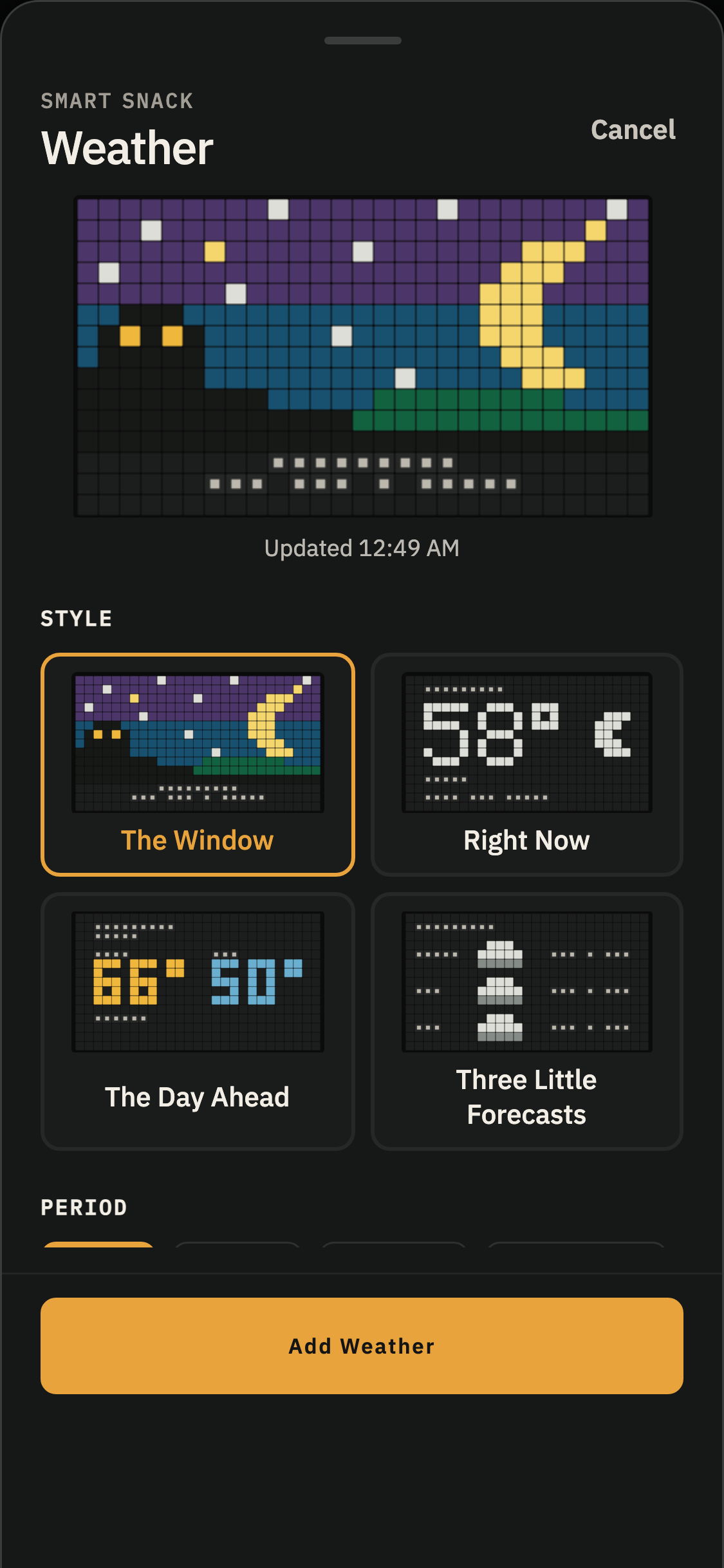
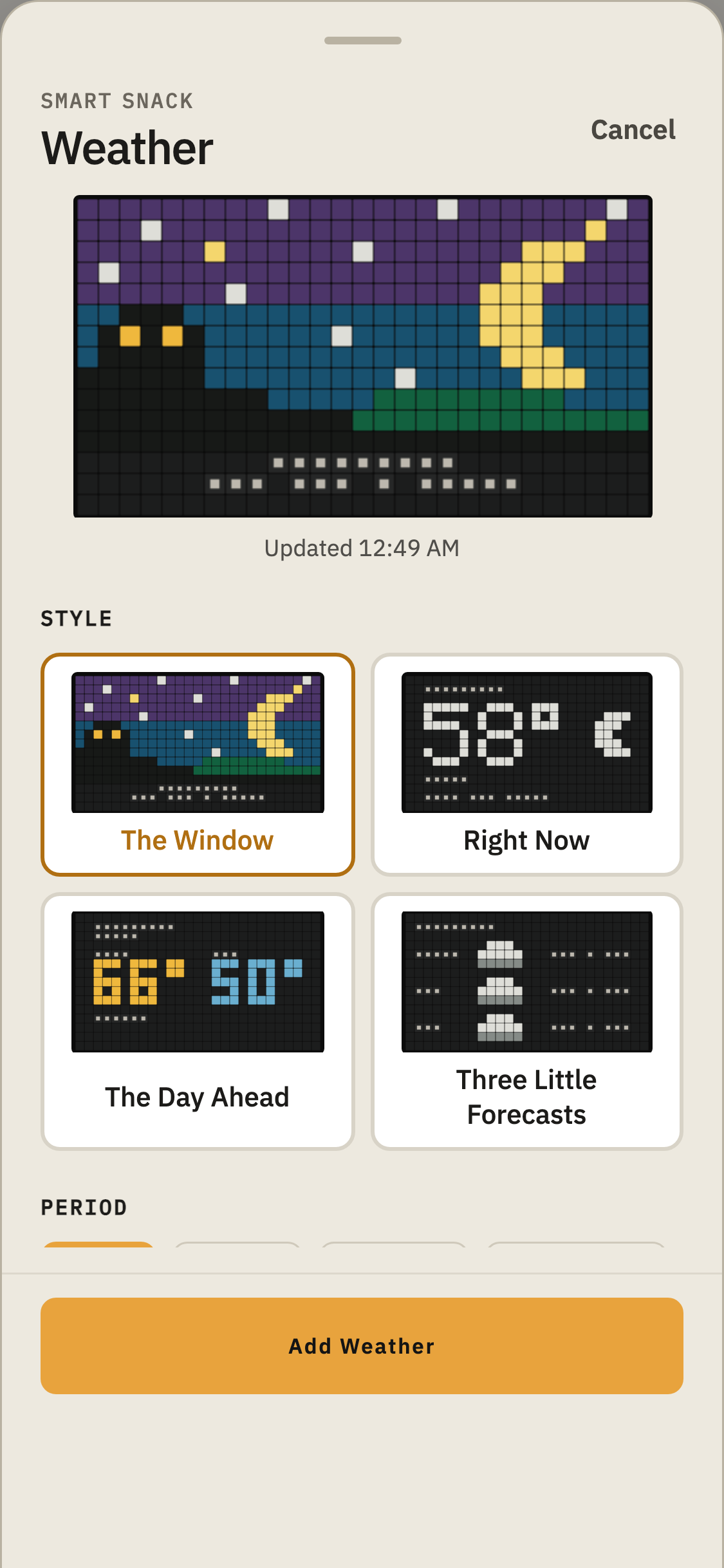
There are four ways to see the weather:
- The Window: A full-board picture of the sky, with a single line of forecast.
- Right Now: A look at the current conditions.
- The Day Ahead: Today's weather, or tomorrow's.
- Three Little Forecasts: A glimpse of the next three days.
The drawer shows a preview of each style and the times it can display. You can also choose how long this Weather copy stays on the board.
Choosing a place
Under Location, tap the town to search for another.
Each Weather copy has its own location. Want to see the weather in three different places? Add three copies.
Name on the board lets you give this copy a familiar name, like HOME or THE LAKE. Leave it blank to use the town's name.
The name is saved with this copy when you tap Add Weather (or Save, if you are changing a copy). It won't change the names on any of your other Weather copies.
Use Show place to show or hide the name on this copy.
Choose °F or °C in any Weather drawer. This preference applies to all your Weather copies.
The little pictures
Weather has its own collection of tiny pictures to show what's happening outside. Each one is made for the same little machines as everything else on the board.
Right Now uses these pictures:
Sun — Clear or mostly clear skies during the day.
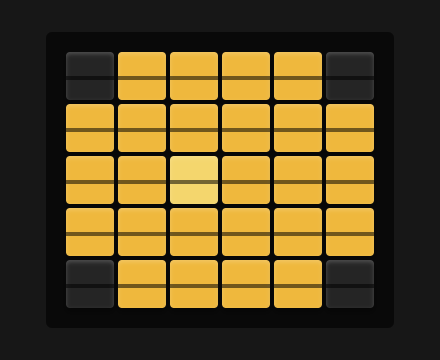
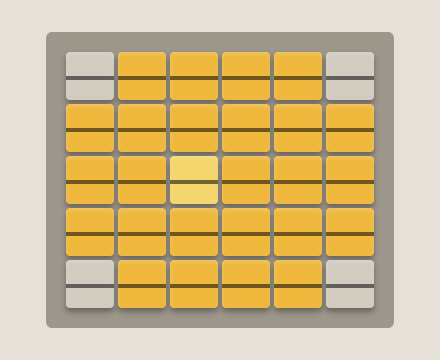
Moon — Clear or mostly clear skies at night.
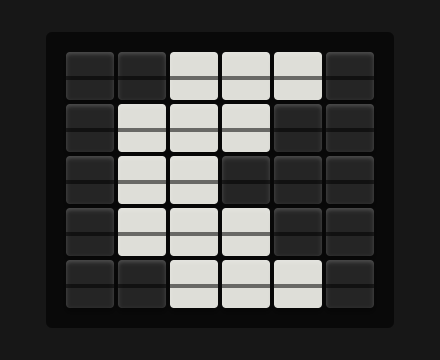
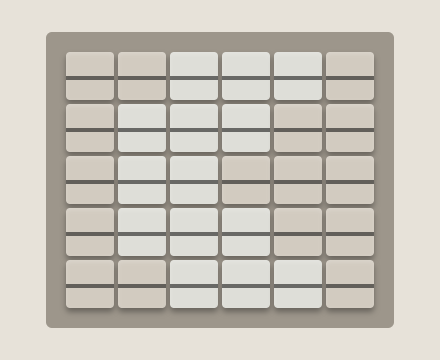
Cloud — Partly sunny or cloudy.
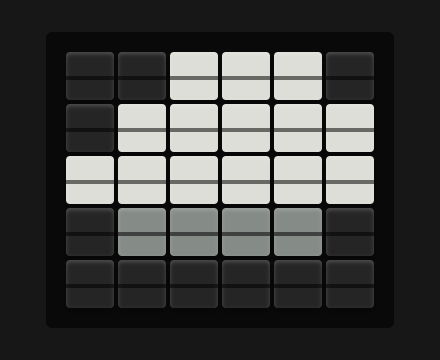
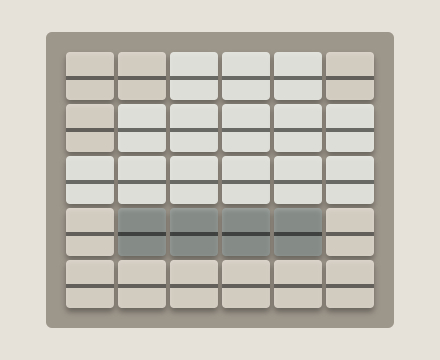
Fog — Fog.
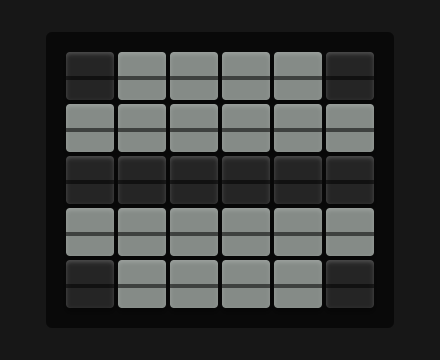
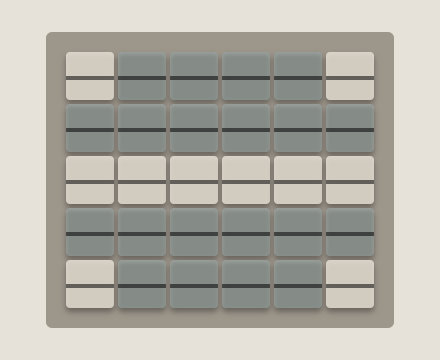
Drizzle — Drizzle, including freezing drizzle.
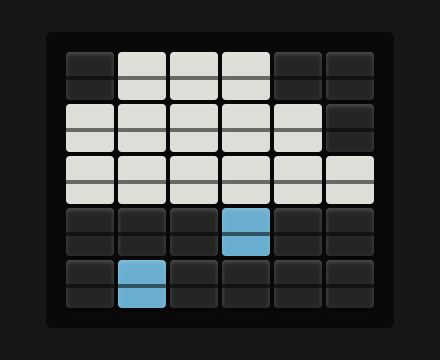
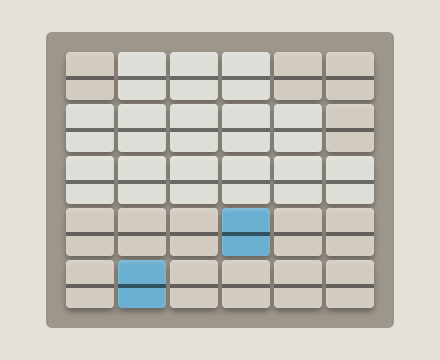
Rain — Rain, freezing rain, or showers.
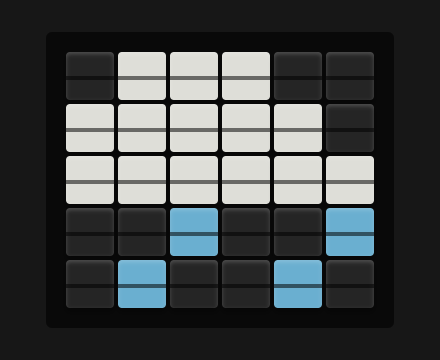
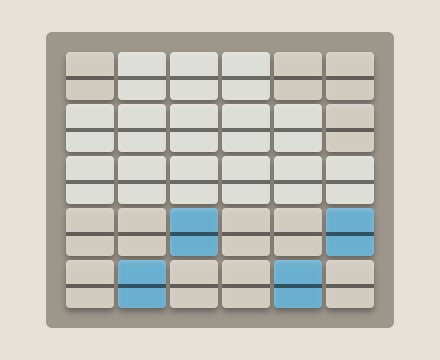
Snow — Snow or snow showers.
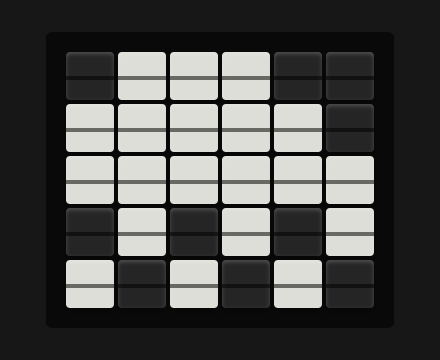
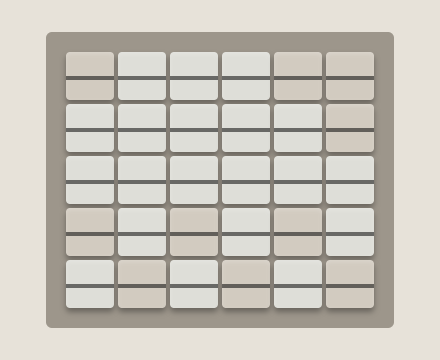
Storm — Thunderstorms, with or without hail.
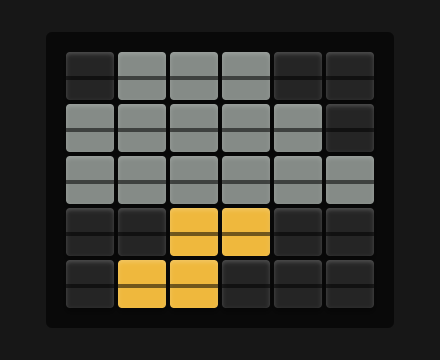
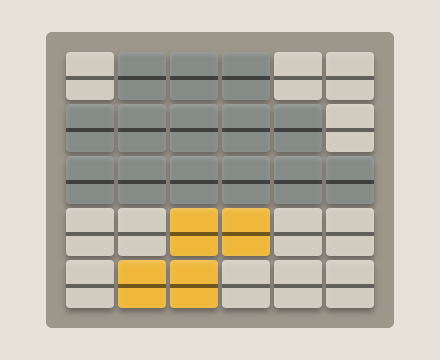
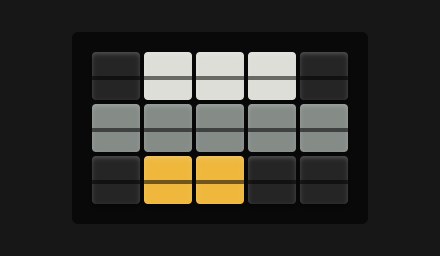
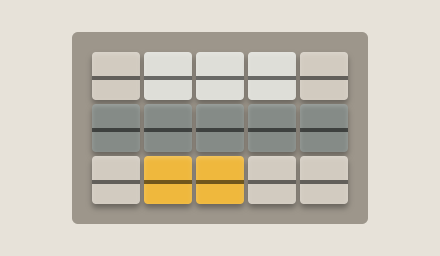
Three Little Forecasts uses smaller versions:
Sun — A clear or mostly clear day.
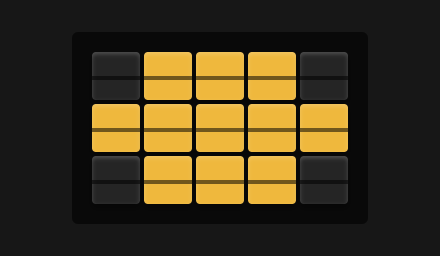
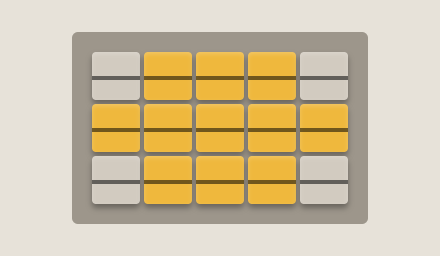
Sun and cloud — Partly sunny.
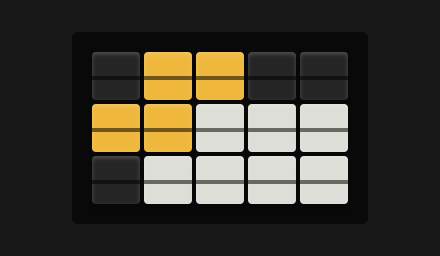
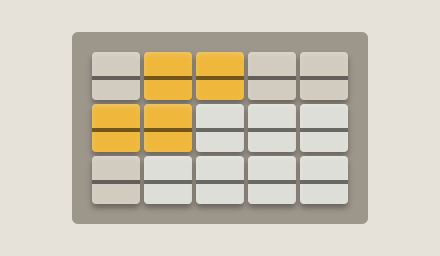
Cloud with a line beneath — Cloudy or foggy.
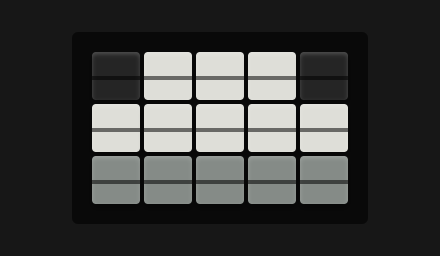
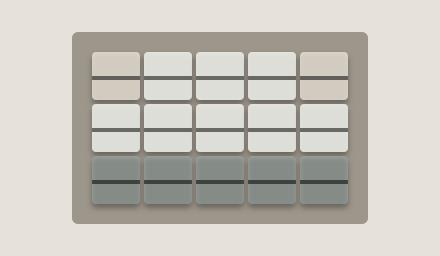
Rain — Drizzle, rain, or showers.
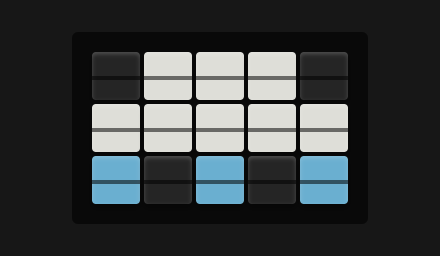
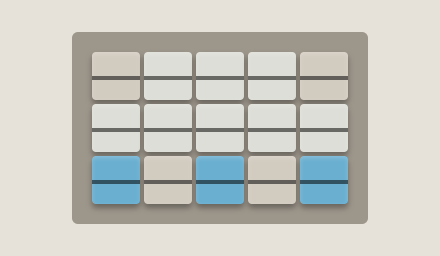
Snow — Snow or snow showers.
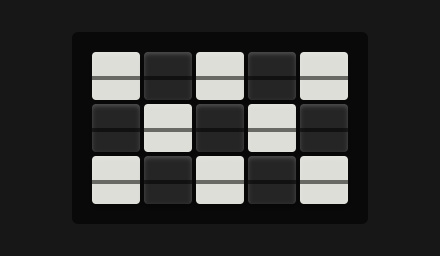
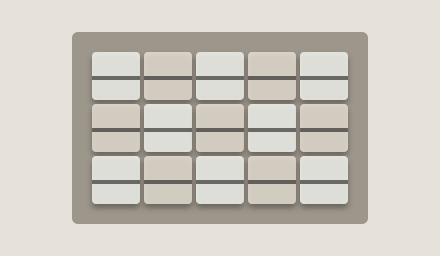
Storm — Thunderstorms.
When the weather changes
ClackSnack checks for fresh weather about every 15 minutes while a Display has Weather to show.
A Weather Snack stays as it is for its whole turn. If the conditions change while it's playing, the new information appears the next time it comes around.
Current conditions are considered out of date after an hour. Forecasts have six hours.
When a Weather copy is out of date, it skips its turns until fresh information arrives. Its row shows when the weather was last updated.
Weather data provided by Open-Meteo.