

Sometimes you want the board to have something particular to say at a particular time.
A scheduled takeover plays a Snack or Pack when you choose, then lets the Spread carry on from where it left off.
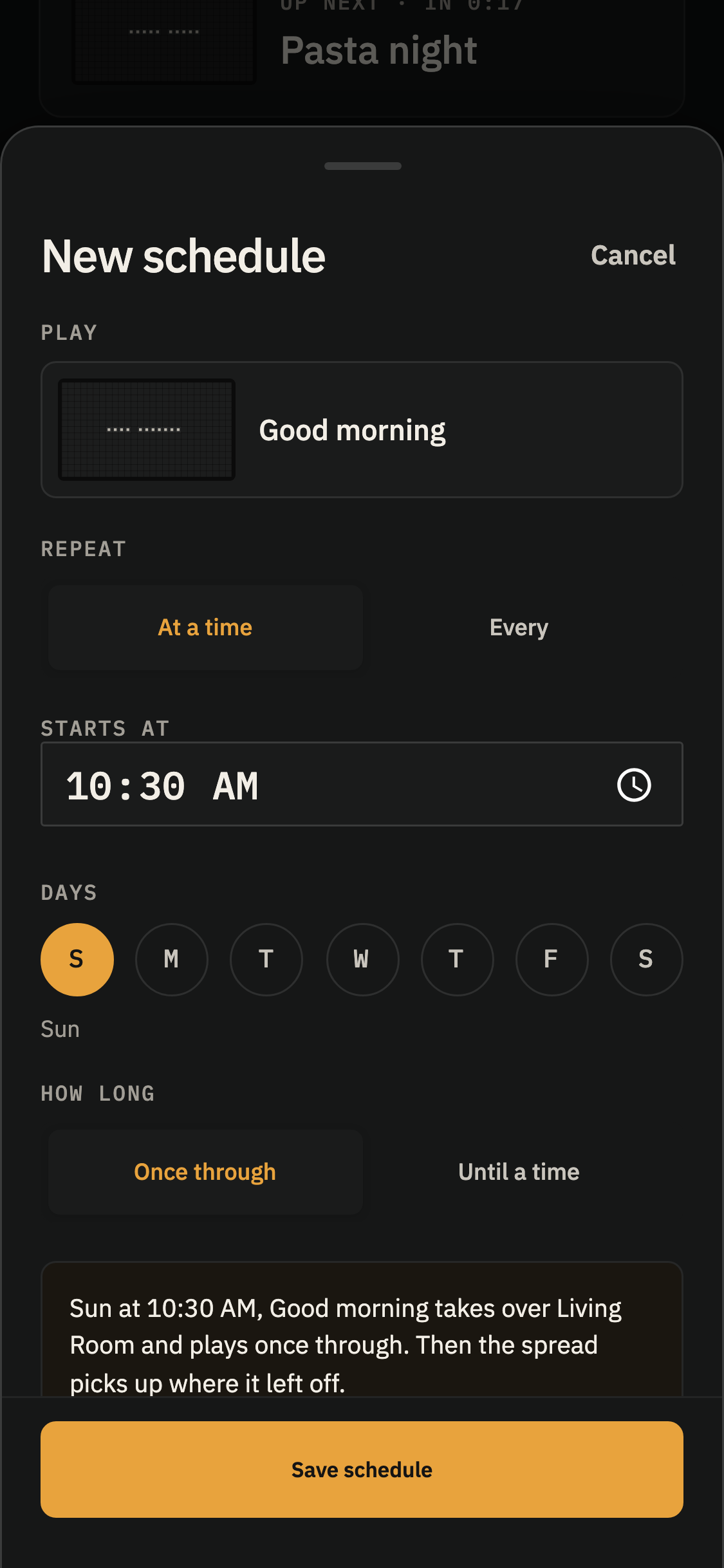
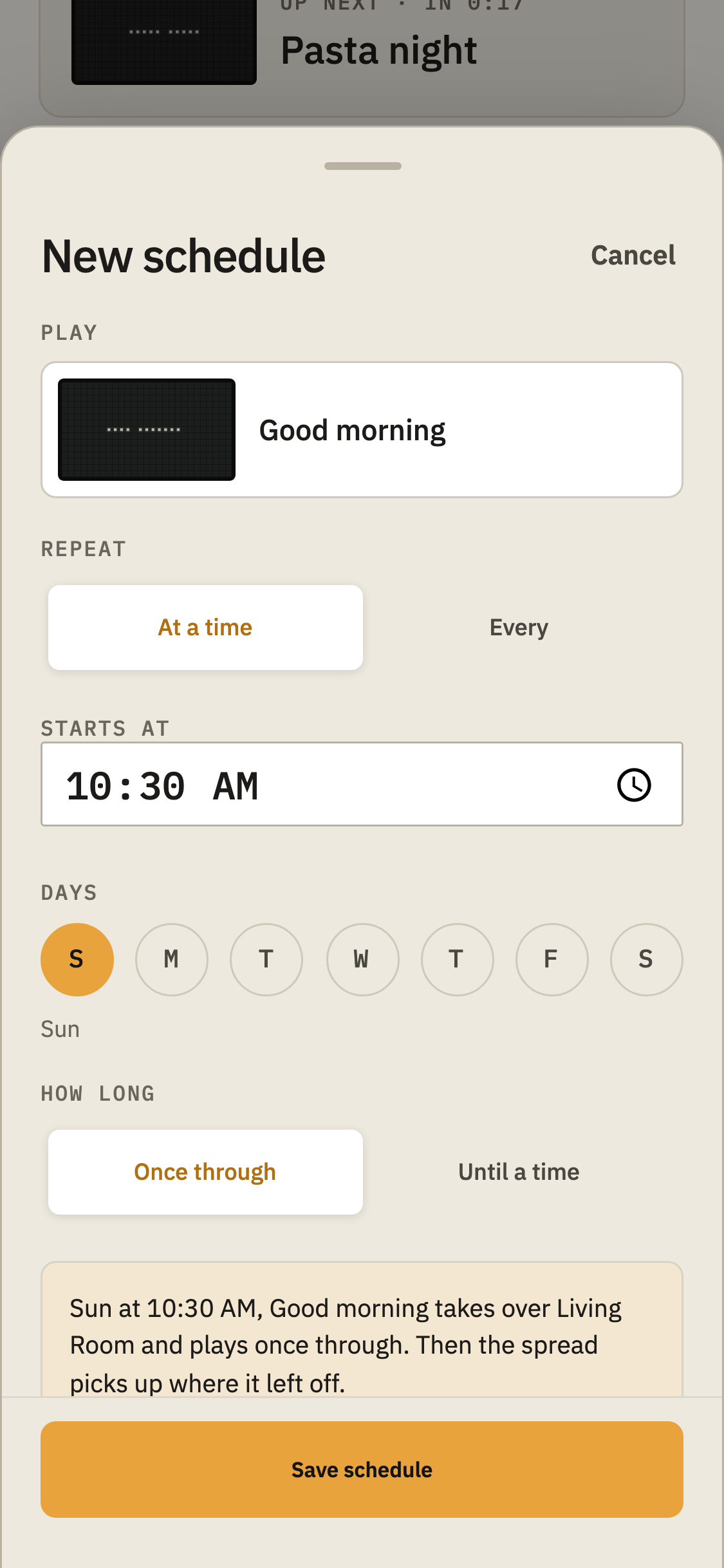
On Curate, find Scheduled beneath the playing Spread and tap + New. Choose what to Play, keep Repeat on At a time, set Starts at, and select any days under Days.
Leave the days unselected for a one-time takeover at the next occurrence of that time. Under How long, choose Once through to play it once, or Until a time to keep it looping until the time you set.
Weather can play as a scheduled takeover, too. Choose its style and location in the Weather drawer.
Choose Clock or Countdown as the Snack for a scheduled takeover, then use its settings button to set up that copy before saving the schedule.
Tap Save schedule when you’re ready.
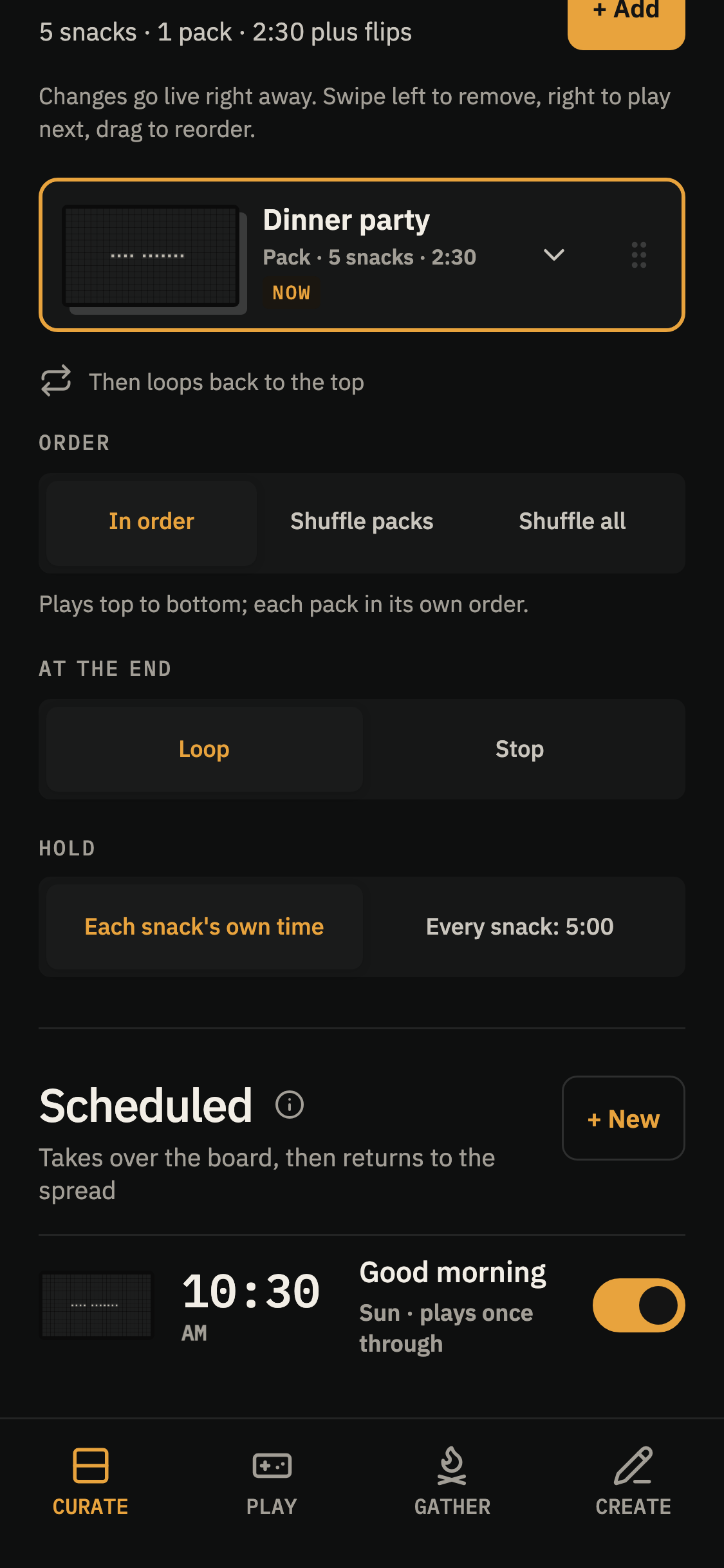
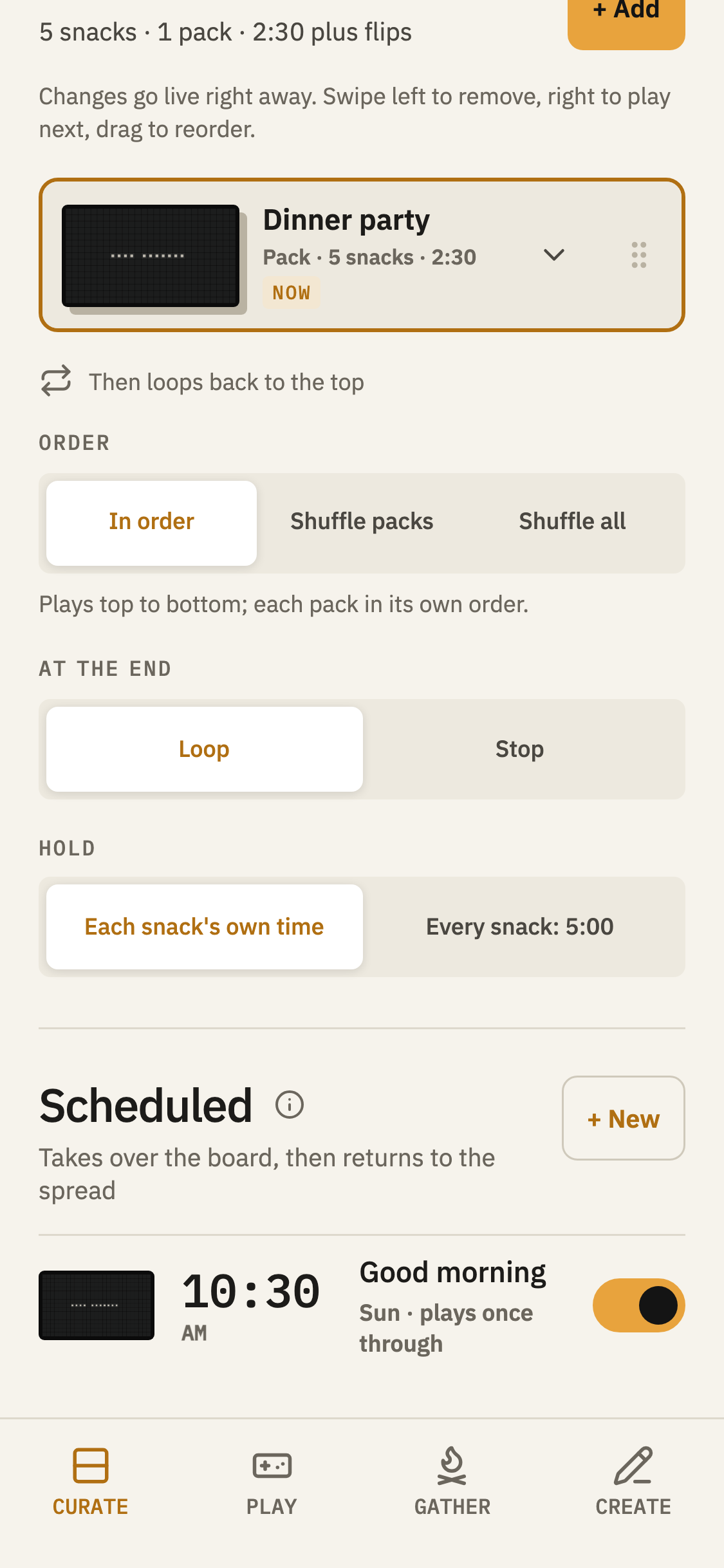
Your schedules appear in the Scheduled list. Use the switch beside one to turn it on or off, or tap its row to make changes. Existing schedules also offer Try it now and Delete.
When a takeover is approaching, Next takeover appears near Up next.
Schedules belong to individual Displays. If a game is in progress when a takeover is due, it waits until the game finishes. A once-through takeover may be skipped if it’s running more than 15 minutes late.
A little something, now and then
Not every scheduled takeover needs to happen just once a day.
You can have a Snack or Pack return to the board every 5, 15, 30, or 60 minutes. Choose the days, a starting time, and a final time for its visits.
Each visit plays the Snack or Pack once through, then returns to whatever was playing, with its remaining time intact.
If the board is paused, that visit is skipped. If a game is underway, the takeover waits until the game ends and plays only if its latest scheduled turn is still recent.
The Scheduled list shows how often it will play and the time window you’ve chosen. Next takeover shows when the next visit is due.