

Most Snacks show exactly what you’ve made. Smart Snacks have a little more to do.
Each time they come around, they work out what belongs on the board: the time, the weather somewhere you love, tonight’s moon, or a card to think about.
Finding them
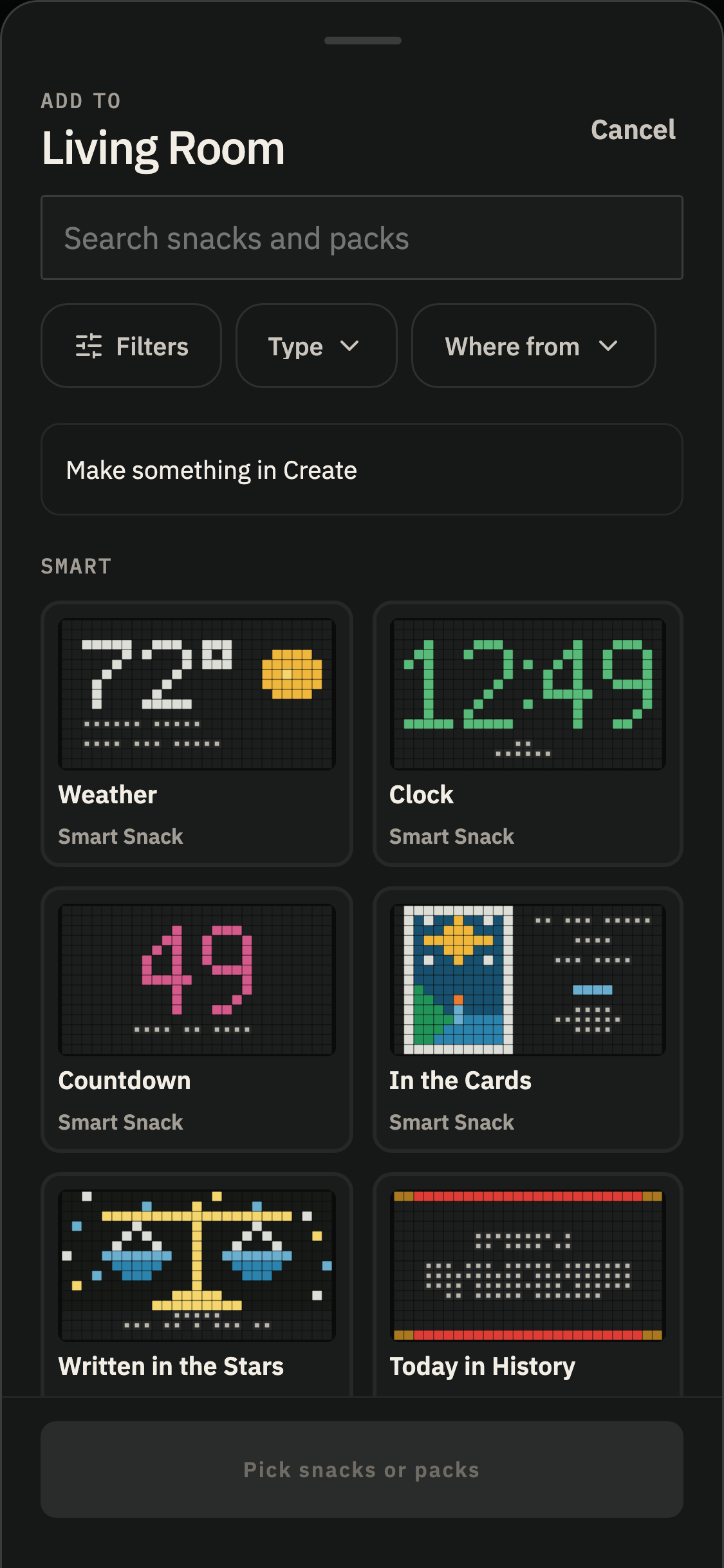
You’ll find Smart Snacks in the Smart group in your Library.
Add one to a Spread, Pack, or scheduled takeover, just like any other Snack.
Make them your own
Smart Snacks have settings to suit what you’d like to see. Most copies keep their own settings and Hold time.
Want the weather from two different towns? Add Weather to two Spreads, choose a town for each, and you’ll have two different forecasts.
Some Smart Snacks work a little differently. In the Cards uses named household readings, so the same reading shows the same cards wherever you place it.
Meet the Smart Snacks
- Clock and Countdown — The time, the date, or the days until something worth waiting for.
- In the Cards — A daily card reading, with something to think about.
- Moonwatch — Tonight’s moon, reimagined by the little machines.
- Today in History — A little window into something that happened on this day.
- Weather — A forecast for somewhere you care about, told in words and little pictures.
- Written in the Stars — A daily horoscope, with a little room for reflection.
Each Smart Snack has its own Help page, coming up next in this guide.