

The Snack Stand is where you'll find new things for your Display. Browse Packs, Smart Snacks, and Palettes, and take home whatever catches your eye. Everything is free during the beta.
Packs bring collections of Snacks into your Library. Smart Snacks make something fresh when they play, like a daily reading or tonight's moon. Palettes give the board's colors a different look.
Take a look around
Open the Snack Stand from the store icon on Curate.
You'll also find it among the Smart Snack choices when adding to a Spread or Pack, in the Smart section of your Create Library, and beneath the Palette choices in Display settings.
Each entrance takes you to the shelf you're looking for. On the All shelf, use See all beside a row's heading or the card at its end to open that whole shelf. You can also browse the other shelves or use search to find something particular.
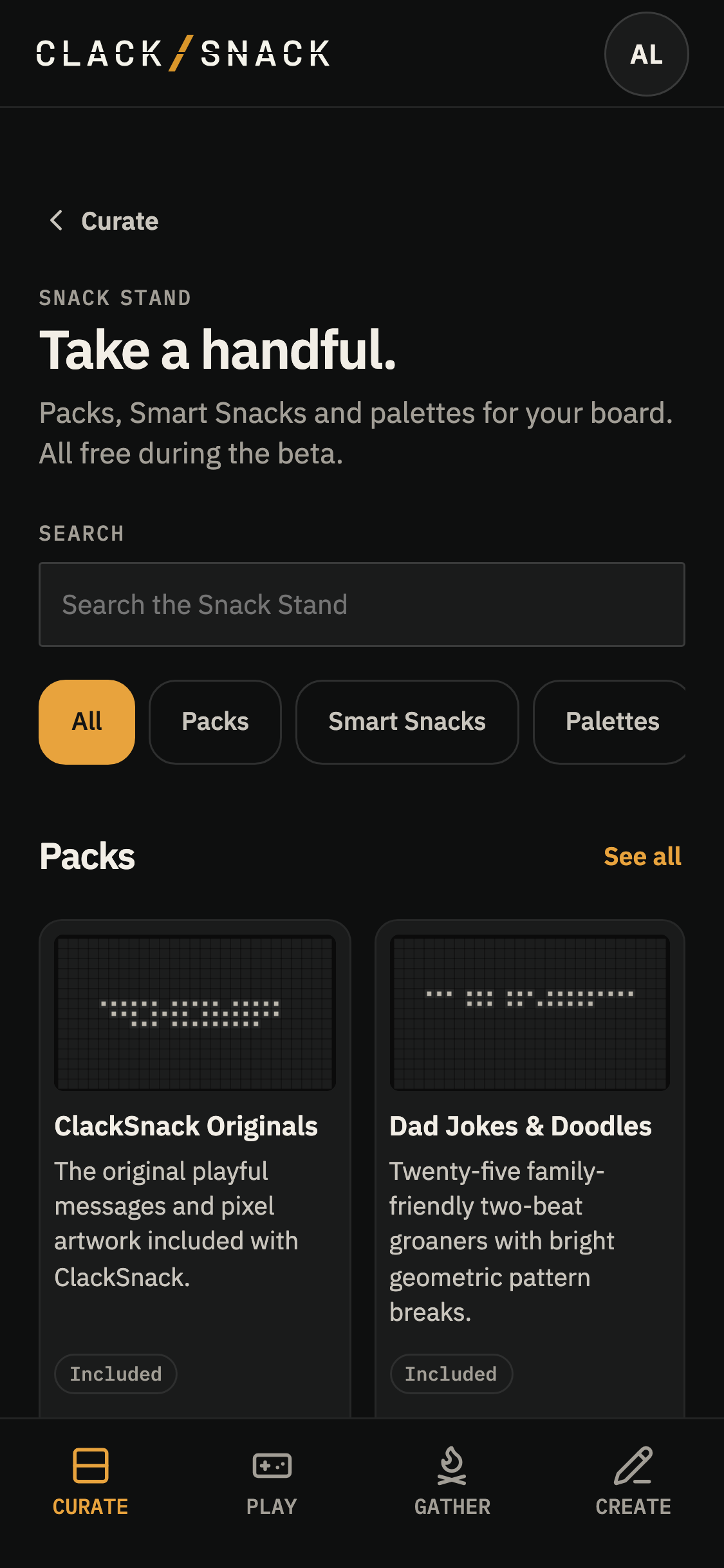
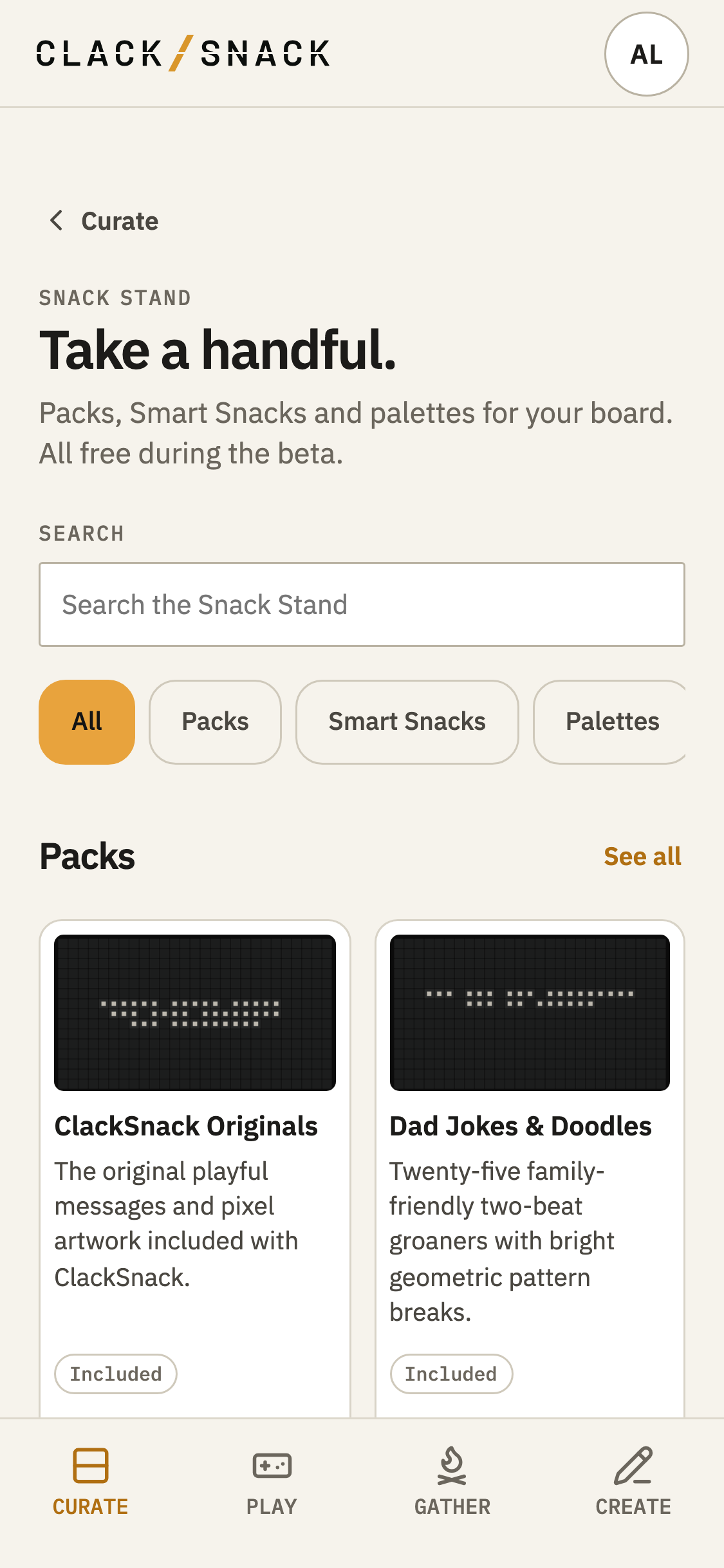
Things ClackSnack starts with are marked Included. They're on the Stand, too, so you can always find them again if you remove them.
Added marks things your household already has.
Adding and removing
Tap Add to bring a Pack into your Library, make a Smart Snack available to use, or add a Palette to your Display settings.
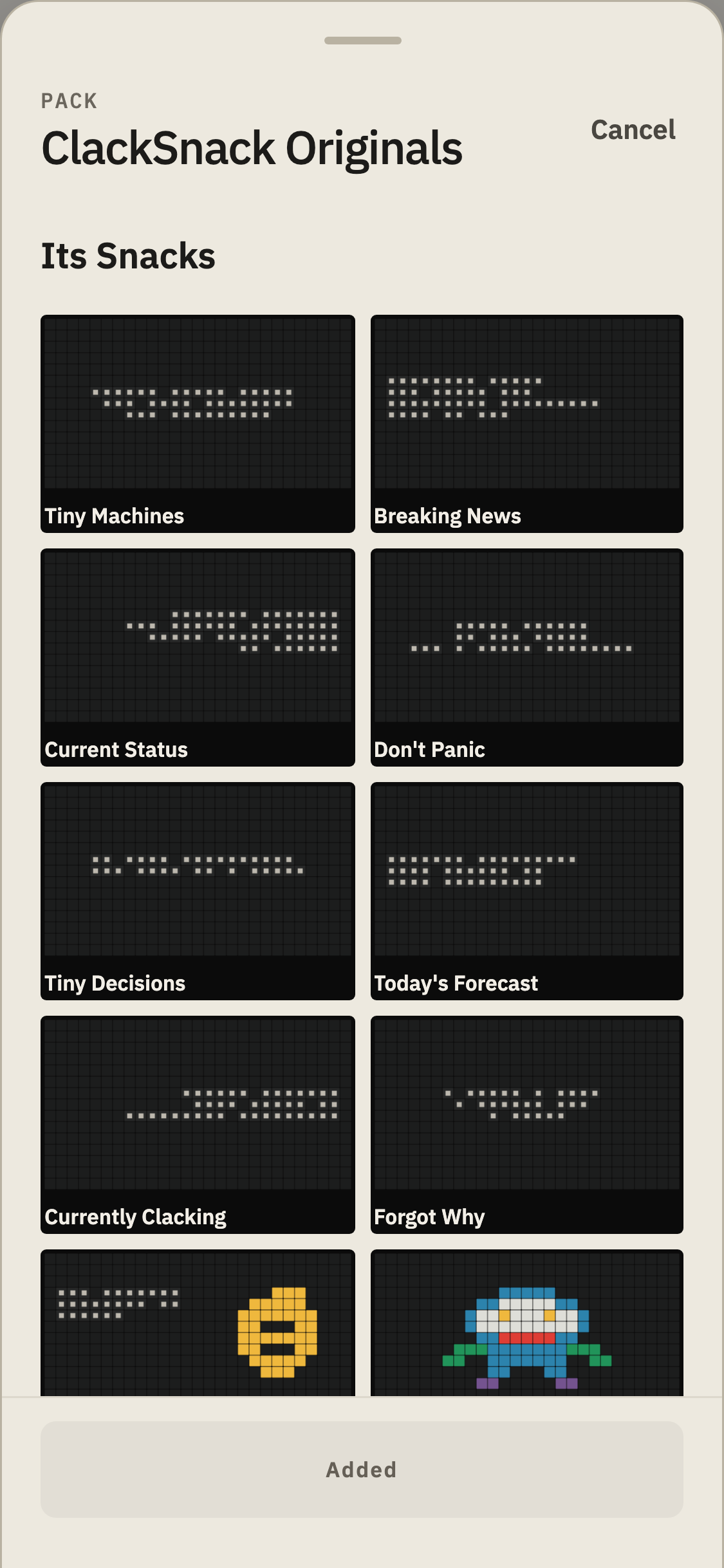
You can look through a Pack's Snacks before deciding to add it.
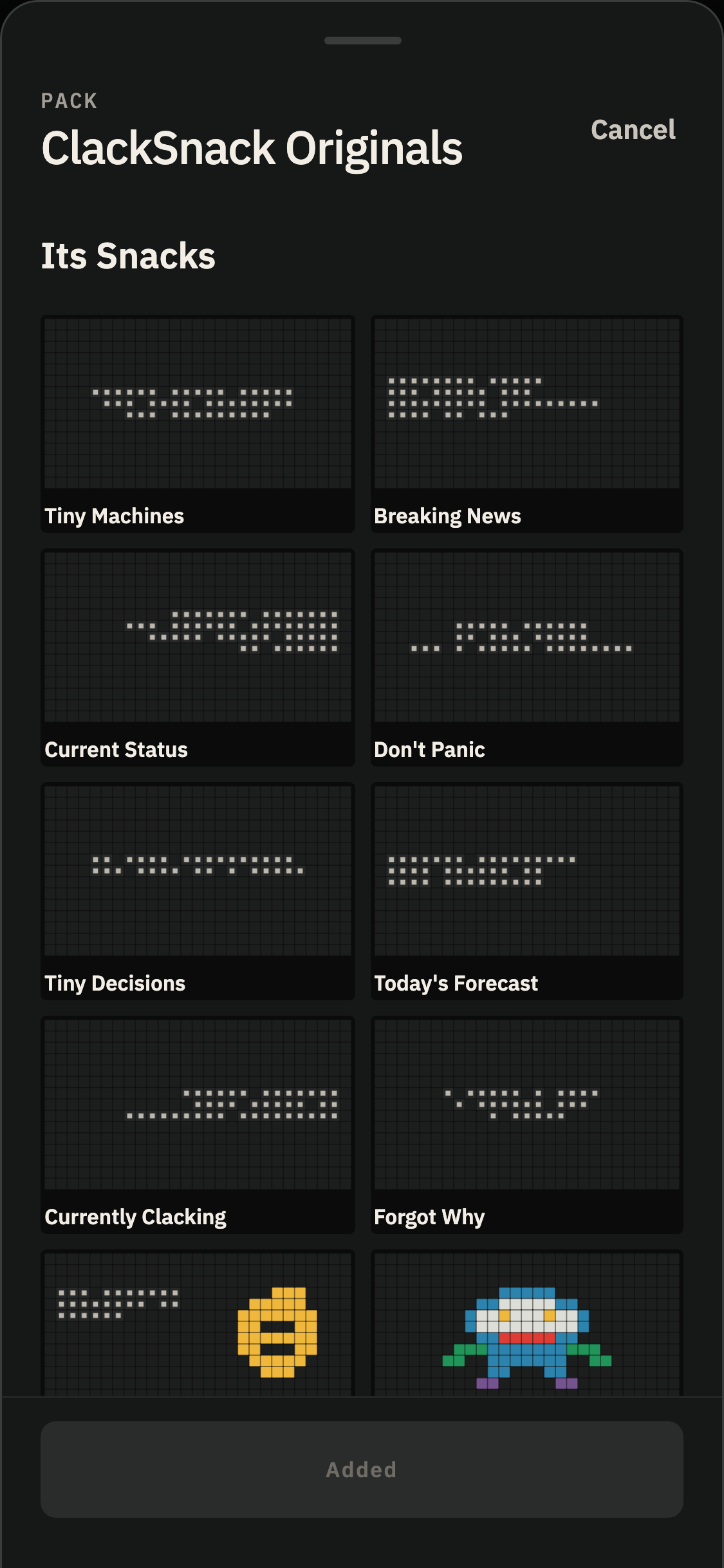
Most things can be removed and added again later. You can also remove a Palette from Display settings: find it in the Palette choices and tap Remove from this household beneath its colors. You'll see the same confirmation as when removing it from the Stand.
Layer Cake is the exception. Its card says Default instead of offering Remove, because every Display needs a Palette to fall back to.
Removing something that's in use doesn't erase the work you've done with it. Its Snacks or Smart Snacks stop playing wherever you've placed them, but your saved readings remain. Add it again from the Snack Stand, and they'll return.
If you remove a Palette that a Display is using, that Display switches to Layer Cake until you add the Palette again.
Everyone in your household can browse the Snack Stand. Only the household's owner or an admin can add or remove things.