

Everyone gets a turn at the drawing board, in the order they joined the game.
When it’s your turn, a secret word appears on your phone, along with the drawing tools from Create. Tap Start drawing when you’re ready.
As you draw, your picture clacks onto the Display, catching up every second. The machines do their best to keep up with your artistic ambitions.
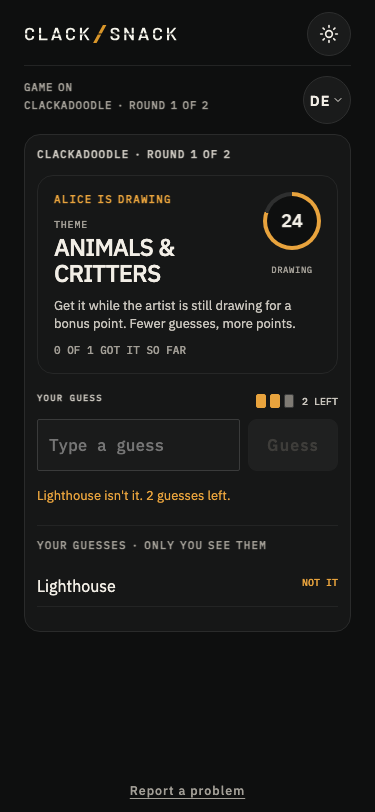
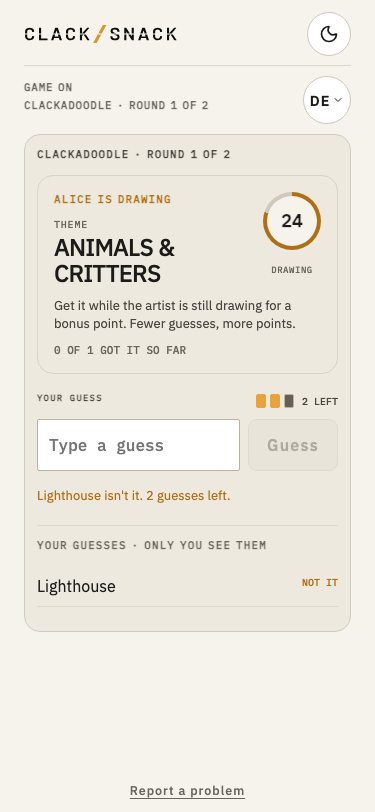
Everyone else watches the board and guesses on their phones. You get three guesses per round, but don’t worry about a spelling slip or a near miss. Your phone will tell you when you’re close, without using up a guess.
The fewer guesses you need, the more points you earn: 3 for your first guess, 2 for your second, or 1 for your third. Guess while the artist is still drawing and you’ll both earn a bonus point. The artist also earns a point for each person who guesses correctly.
When the drawing is finished, everyone gets a little more time to guess.
The turn ends when everyone has guessed correctly, used all their guesses, or run out of time. The answer appears on the Display beneath the drawing, and your phone shows how you did.
A short countdown introduces the next artist, with a message like “SAM is up next in… 5”. The pen passes automatically, and the next player’s phone shows a new word and Start drawing.
Once everyone has taken their drawing turn in the final round, the game reveals the final scores.
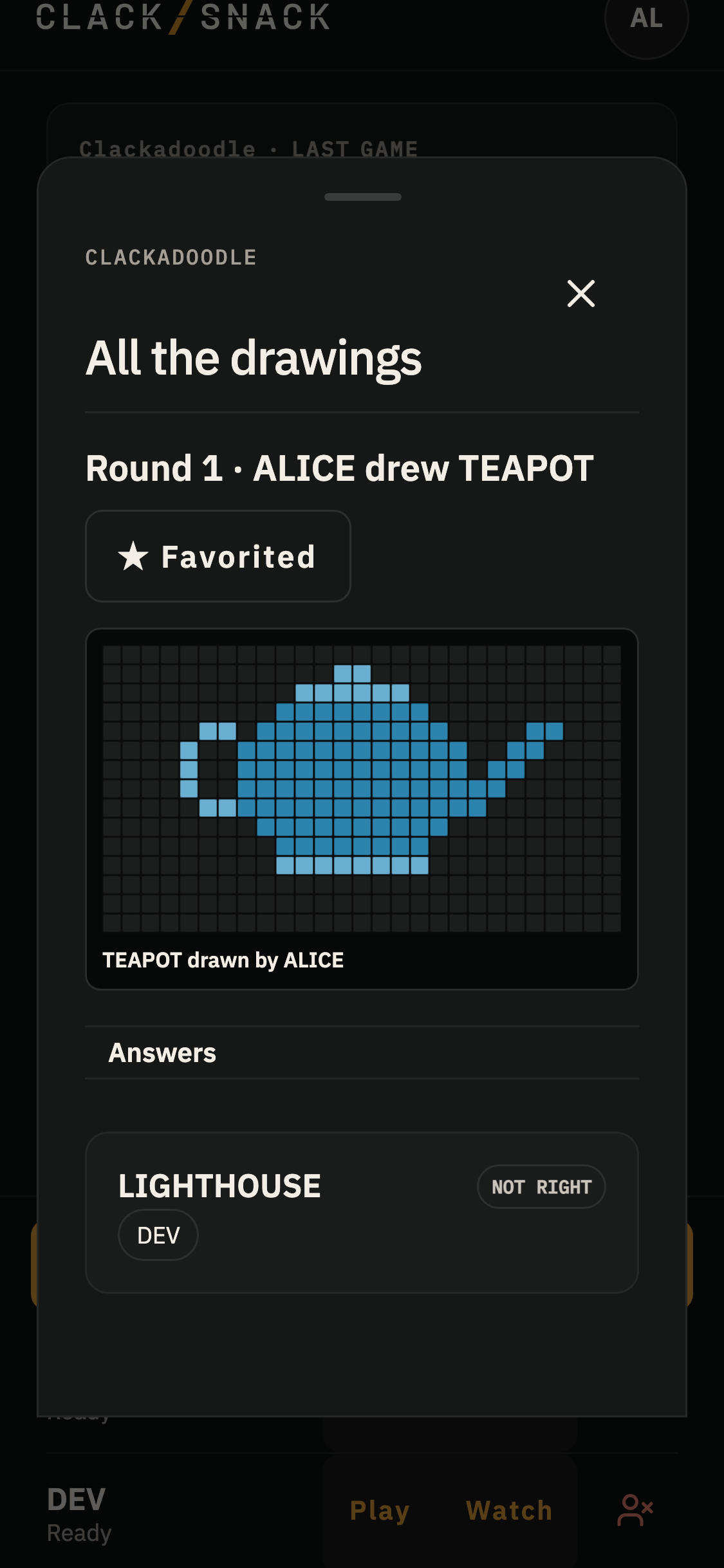
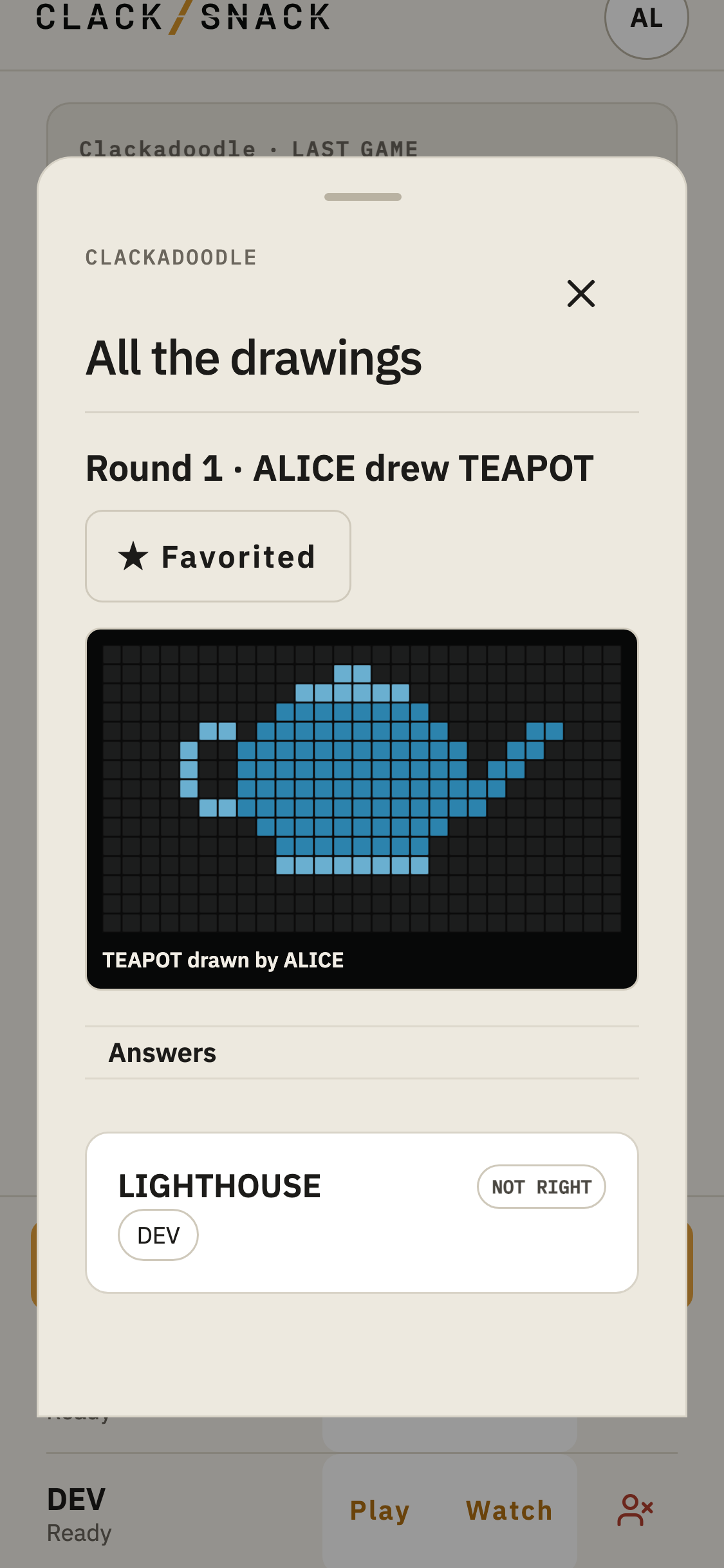
After the game, the host can open All the drawings to revisit every picture and everyone’s guesses.
Found a favorite? Tap the star beside it to save the drawing and its answer as a linked pair in your household’s Best of Clackadoodle Pack.
Reviewing guesses
Sometimes a guess deserves a second look.
If someone thinks their answer was close enough, the host can open Review guesses in the hosting sheet. Earlier turns stay available for review until the game ends.
The artist can also review guesses for their own drawing from their result screen.
Accepting a guess awards the points it would have earned when it was made, including any early bonus.
You can see your own guesses, but not anyone else’s, unless you’re the artist for that turn or the host.
The game keeps moving whether anyone reviews guesses or not.
Timers, or no timers
The host chooses how long the artist can draw and how much time everyone gets to guess afterward. Either timer can be set to No limit.
Without a drawing limit, the artist taps Done drawing when they’re finished. Done drawing sits beside the clock at the top of the drawing screen. It becomes available two seconds after the screen opens. Without a guessing limit, guessing stays open until everyone has guessed or the artist taps Pass the pen to reveal the answer.
The host can also end a round from the host controls. This removes the drawing from the Display immediately.