

Open the profile menu and tap Account to see your name, email, household members, Displays, settings for this app, and ways to send feedback.
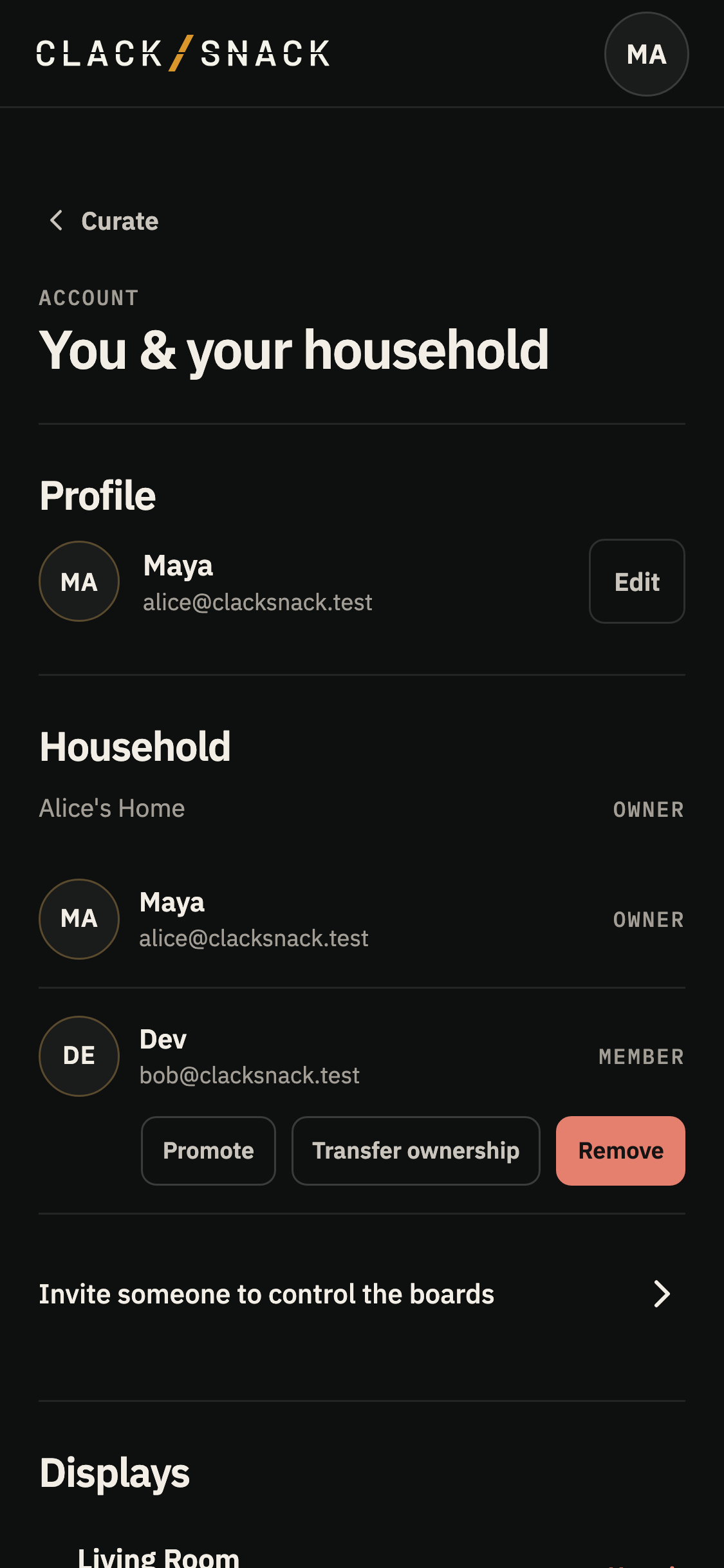
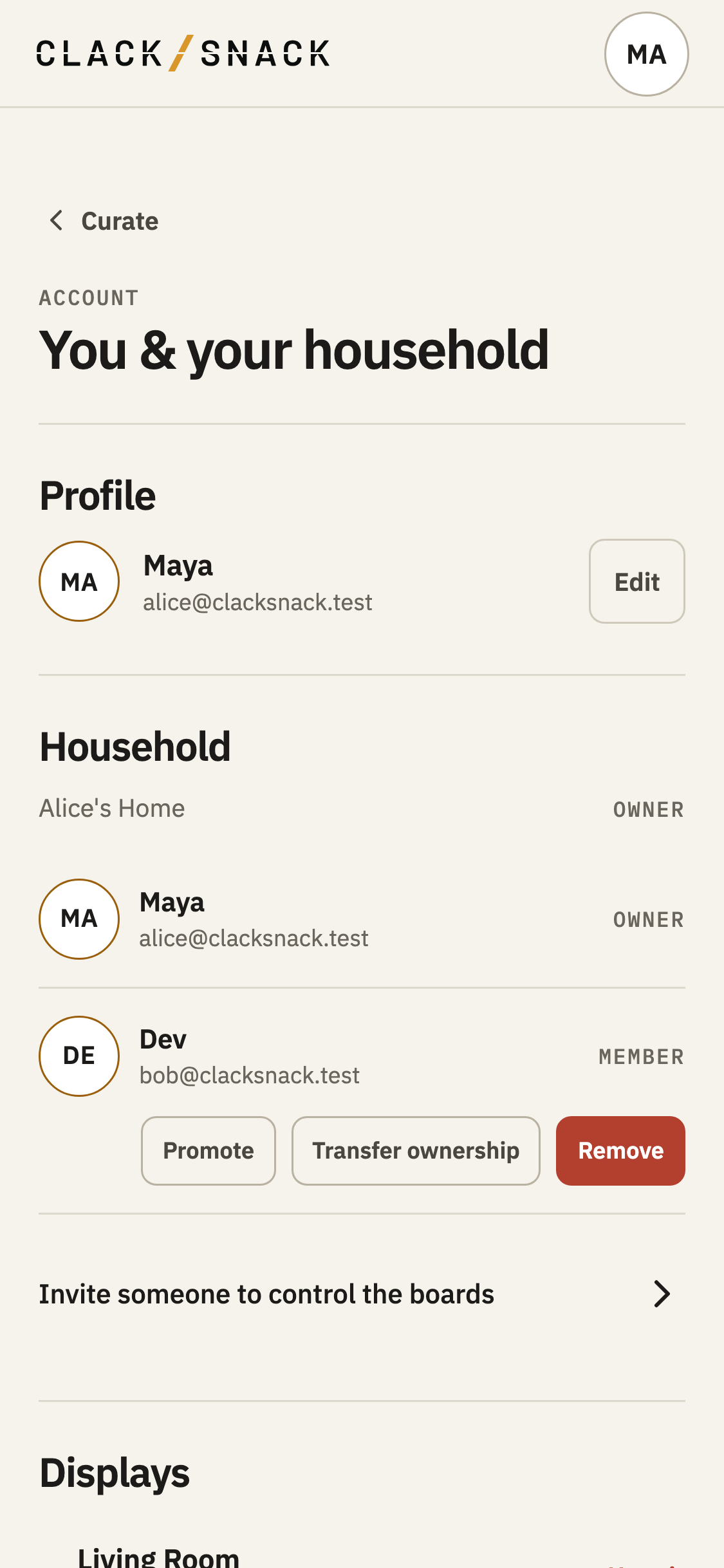
Tap Edit beside your name to change it. Your email is shown here, but can’t be changed from this page. To use a different Google account, choose Sign out, then sign in with that account.
Under This app, choose System to follow your device’s appearance, or select Dark or Light yourself. You can also change this from the theme row in the profile menu.
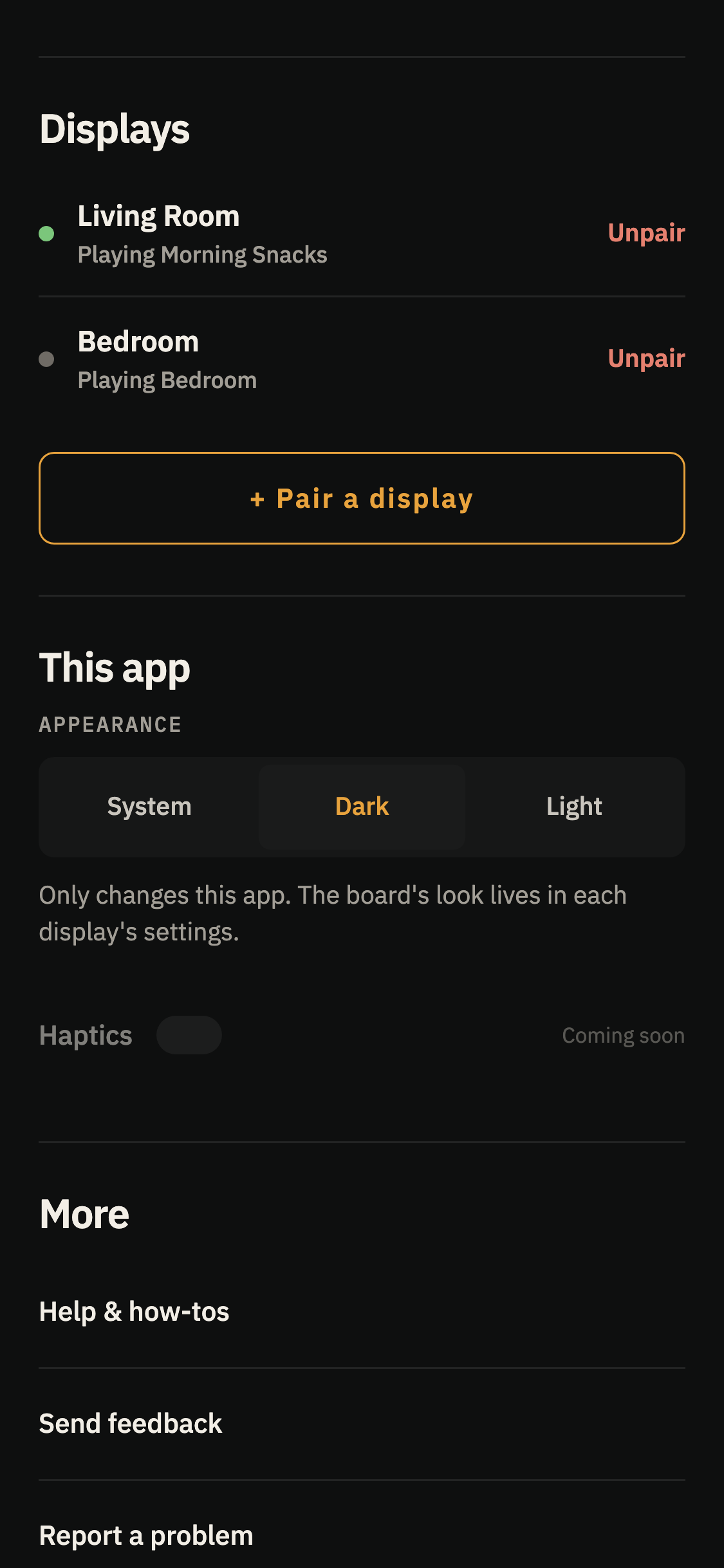
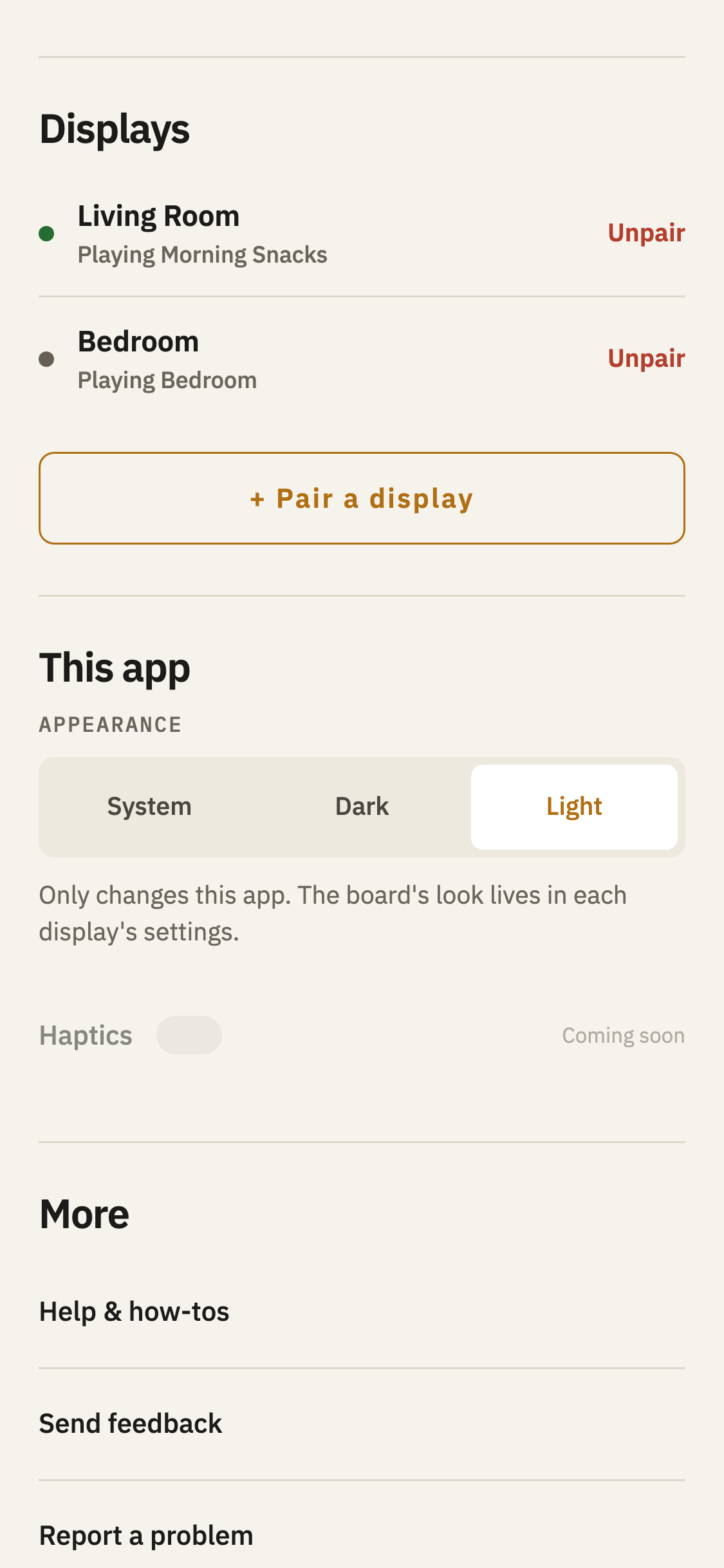
This changes how the Controller and Help look on this device. Your Displays keep their own board themes and palettes, which you can adjust in Display settings.
When you’re ready to sign out, tap Sign out near the bottom of Account. You’ll also find it in the profile menu.